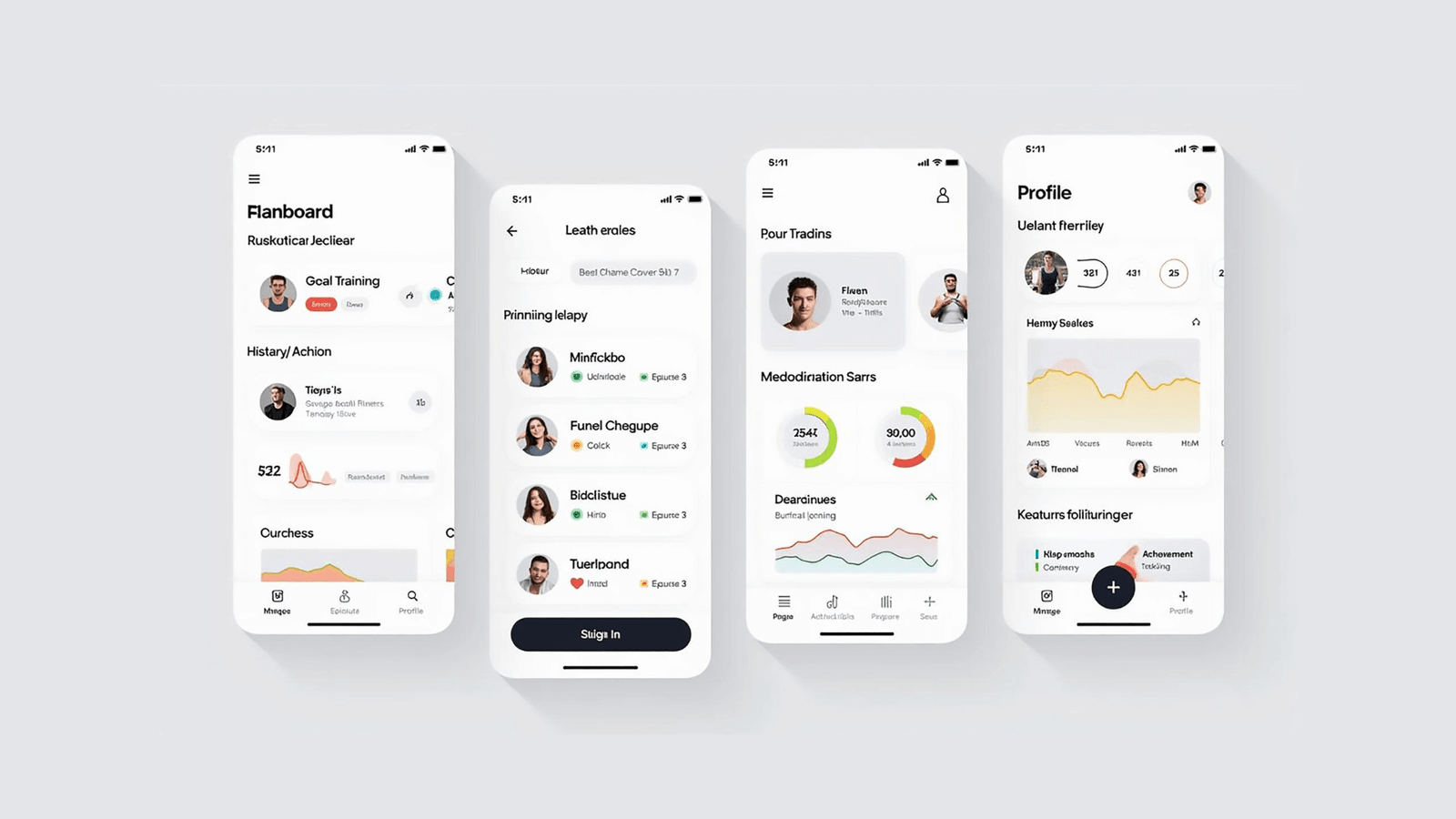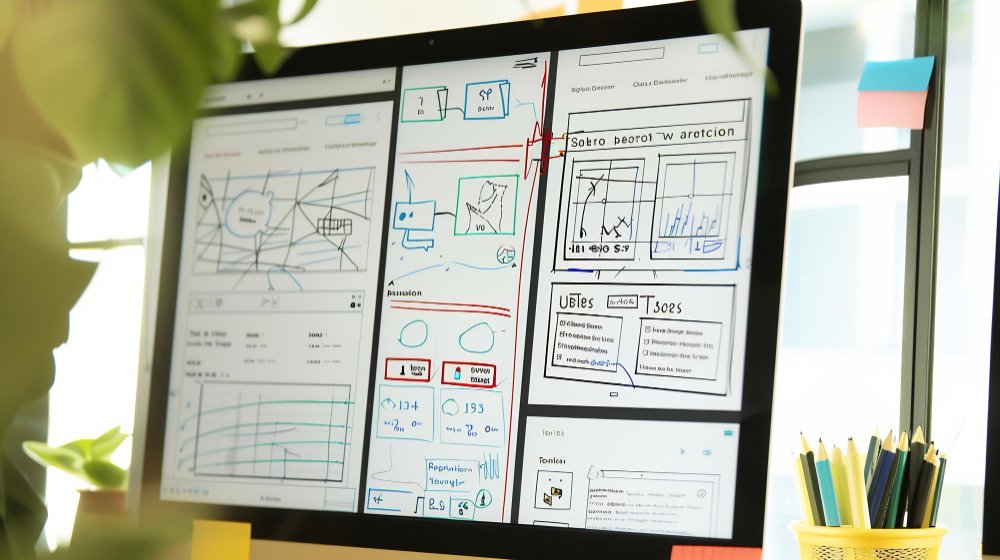
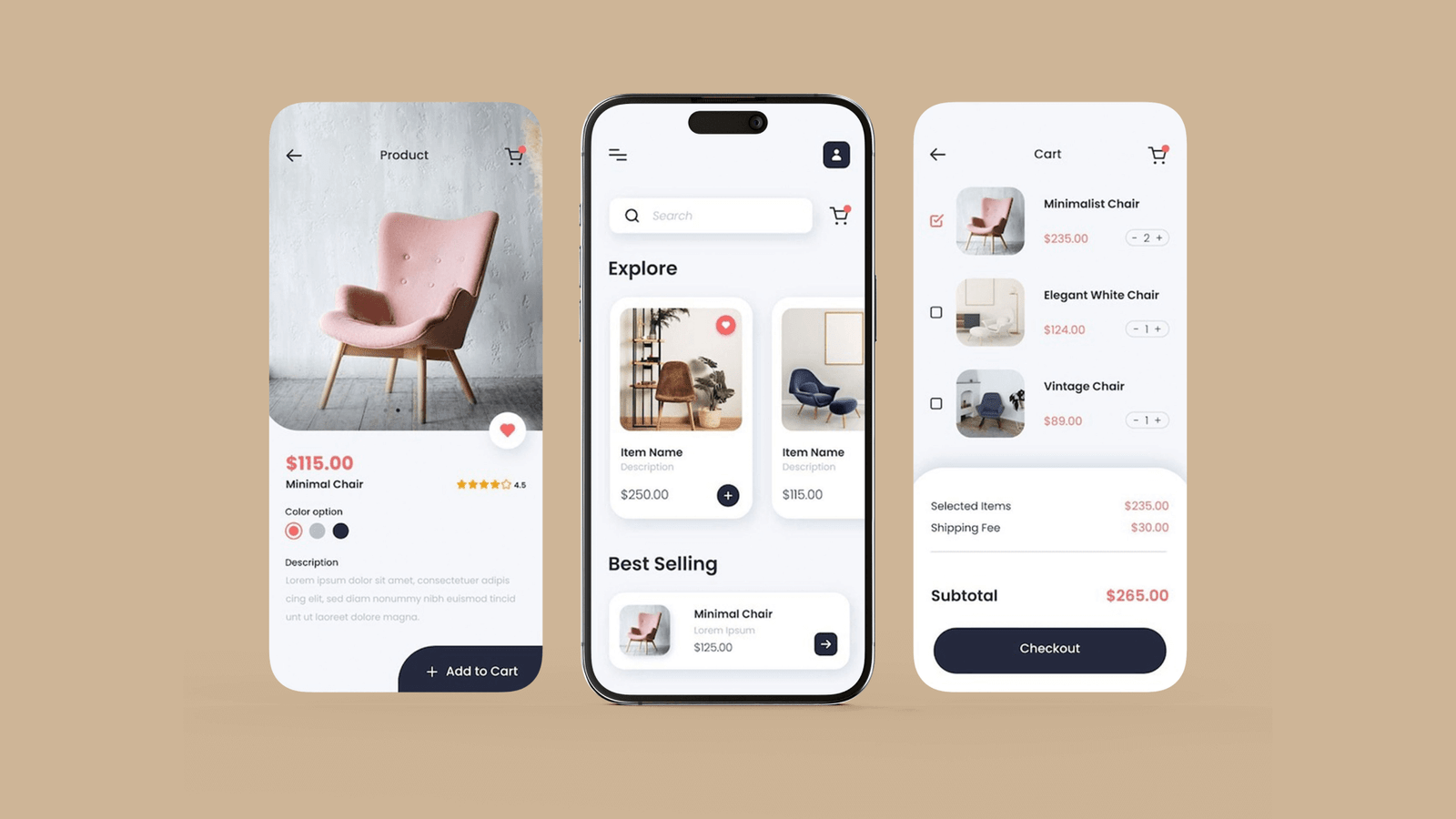
Designing inside a tool like Figma is clean, controlled, and predictable. The layout behaves. The lighting is perfect. The user is calm. But this is not how real life works. Real life is noisy, messy, rushed, and filled with micro distractions that completely change how people interact with a product.
Good design is not measured by how perfect it looks on a screen. It is measured by how well it performs when the user is busy, tired, distracted, outside, moving, or under pressure. A design that feels smooth during a review call can fail instantly the moment it meets unpredictable real world environments.
This article explains why real world conditions matter so much in UX and how to design products that actually work in the environments where people use them.
Why Real Life Changes How Users Behave?
Users behave differently when they are not in a quiet room. Their decisions, movements, and attention are influenced by the context around them.
Time Pressure
In real life, users often interact with products when they are in a hurry. They do not want to read. They cannot analyse. They need the next step to be obvious.
Physical Conditions
Users might be walking, standing, holding groceries, operating equipment, or handling tools. This affects accuracy, tap precision, and their ability to focus.
Noise and Distractions
Environmental noise reduces concentration. A design that requires reading long text or making detailed decisions does not survive real world attention limits.
Lighting Conditions
Screens behave differently outdoors or in dim spaces. Glare, shadows, and reflections can hide important actions.
Emotional State
Real life users might be tired, stressed, or multitasking. Cognitive load increases, making simple tasks feel harder.
A good design accounts for these variables. A great design thrives despite them.
The Hidden Variables That Affect Real World UX
Many design challenges only appear when the interface leaves a perfectly controlled environment.
Glare and Low Visibility
Outdoor use or bright indoor lights can wash out low contrast layouts. Primary actions that look clear in a design file become invisible in sunlight.
One Handed Use
People often use devices with one hand, especially on the move. Complex gestures or far spaced actions fail when users cannot reach easily.
Gloves, Dust, or Moisture
In many environments, users operate devices with gloves, damp fingers, or dusty surfaces. This changes the accuracy and reliability of taps.
Fluctuating Network
Designs that depend on strong internet fail fast in areas with unstable networks. Loading states, syncing, and offline behaviour become critical.
Battery Saving Modes
Low battery mode reduces screen brightness, animation smoothness, and background updates. A design must still function clearly under these conditions.
Device Performance
Older or overheated devices lag. Heavy screens, large images, or complex transitions break the flow.
These variables shape how a real user experiences the product. A design that ignores them is incomplete.
Principles for Designing With Real Conditions in Mind
Real world design needs strong UX principles that support clarity, speed, and reliability.
Prioritise Action Over Appearance
A design that looks perfect but slows the user is not good design. Real environments reward clarity more than aesthetics.
Reduce Cognitive Load
Every extra decision increases effort. Real life users cannot afford unnecessary thinking. They need design that guides them instantly.
Use Strong Visual Hierarchy
Hierarchy is the foundation of real world usability. Clear spacing, consistent alignment, and strong contrast help users act quickly without stopping to interpret.
Make Interactions Forgiving
When users are distracted or moving, they make imprecise taps. Larger tap areas, generous spacing, and forgiving controls make the experience smoother.
Write for Speed
Copy needs to be:
- Short
- Direct
- Helpful
- Free from technical language
Real world users do not have time to decode unclear wording.
How to Structure Design That Works in Real Environments?
A design built for real conditions must follow a predictable structure that reduces guessing.
Identify the Primary Goal First
Real world design begins by defining the essential outcome. Every screen, label, and button supports this outcome.
Remove Steps That Slow Down the User
If a step does not add clarity or safety, it should not exist.
Combine Related Actions
Users should not jump across screens for tasks that belong together. Combining steps reduces navigation workload.
Support Natural User Behaviour
For example:
- Users expect the primary action near their thumb
- They scan top to bottom, left to right
- They rely more on icons when distracted
Design should follow these patterns instead of forcing new ones.
Use Predictable Patterns
Patterns reduce learning time. Predictability builds confidence.
How to Test Design in Realistic Conditions?
Testing in artificial conditions hides real problems. Real world testing reveals them.
Test in Multiple Environments
Conduct tests:
- Outdoors
- In bright light
- In low light
- In noisy areas
- While the user is moving
Test With Varying Grip and Hand Use
Observe how users interact:
- With one hand
- With gloves
- With wet or dusty fingers
Simulate Network Issues
A strong design handles:
- Slow loading
- Offline mode
- Sync delays
Test With Unprepared Users
Real world users rarely read instructions. They explore. Testing must reflect this behaviour.
How to Adapt Designs for Real World Constraints?
After seeing how designs behave, teams refine them for reliability.
Improve Visibility and Contrast
Use bold hierarchy, clear spacing, and high contrast to ensure visibility in any environment.
Simplify Interactions
Reduce the need for precision. Place important actions in easy reach.
Support Weak or No Network
Offer:
- Offline actions
- Background syncing
- Clear progress feedback
Optimise for Speed and Performance
Reduce heavy elements that slow down older devices.
Provide Instant Feedback
Real world users rely on immediate confirmation to know the system is working.
Signs That a Design Will Work Outside the Screen
A design is ready for real use when:
- Users act without hesitation
- They complete tasks faster than expected
- They do not need explanations
- They do not mis tap actions
- The interface survives low visibility, noise, and distractions
- They describe the design as easy or natural
These signals indicate strong usability.
Closing Thoughts
Real world design is the true test of UX. A great interface does not live inside a mockup. It lives where people actually use it. When teams design for real conditions, they create products that support users in moments of pressure, distraction, and unpredictability.
Good design works on a screen. Great design works in real life.