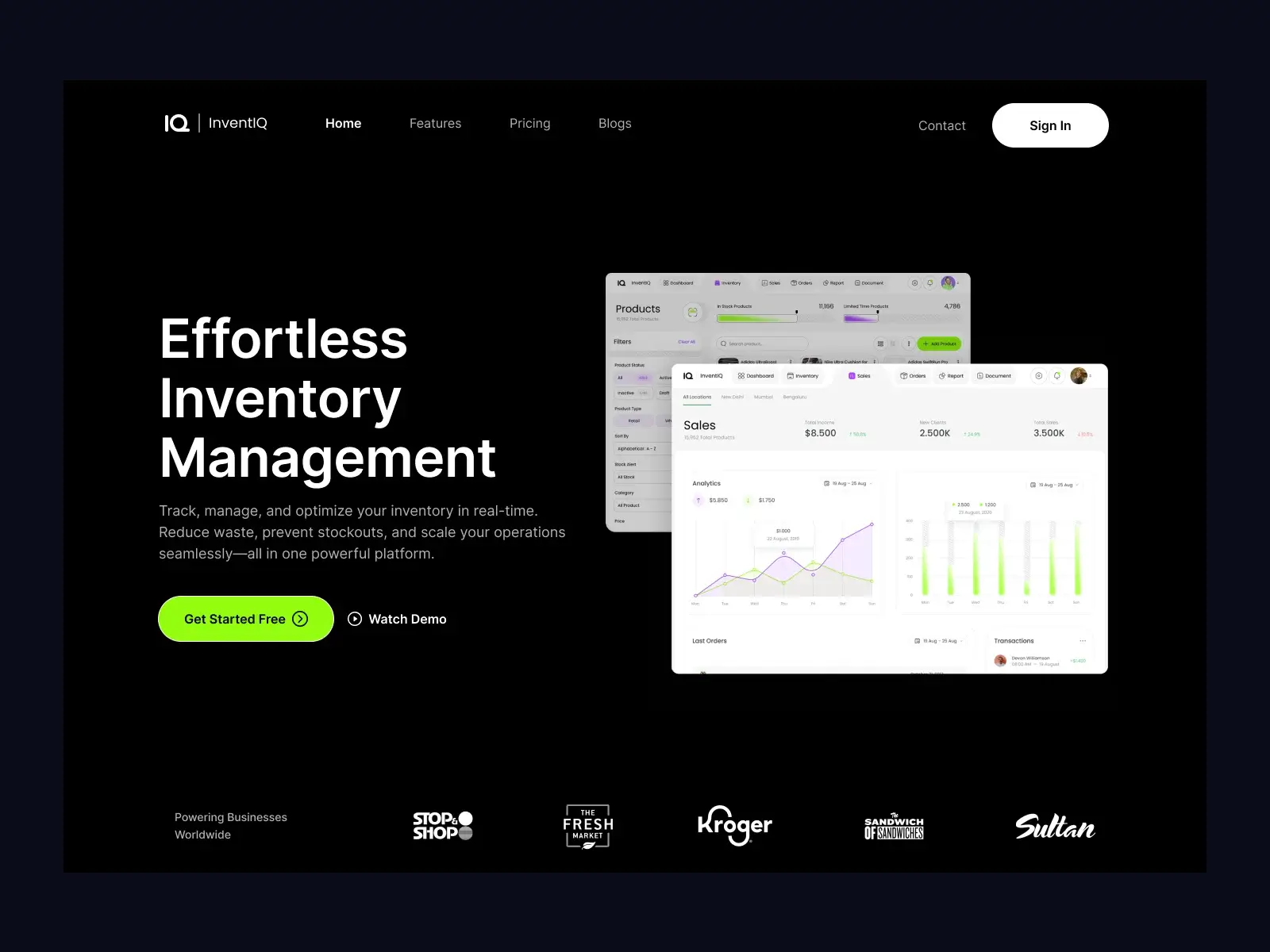
Making daily stock operations clear, consistent, and quick across devices
Context
This project focused on improving the inventory management experience used on both mobile and web.
The system is used daily to track stock, update quantities, and make quick decisions. The same users switch between mobile (on the floor) and web (at desk), but the experience was not consistent.
The goal was to create one clear way of working across both platforms so users can act faster and with confidence.
Target Audience and Personas
Store Manager (Primary User)
- Oversees stock across items and locations
- Needs quick overview and alerts
- Struggles when data is scattered or delayed
Floor Staff (Mobile-heavy)
- Updates stock during operations
- Needs fast actions with minimal steps
- Struggles with long forms and hidden actions
Operations / Owner (Web-heavy)
- Reviews reports and makes decisions
- Needs clarity and accuracy
- Struggles when numbers are hard to trust or compare
Key Tension
- Speed vs accuracy
- Mobile simplicity vs web depth
- Control vs ease of use
All users need one thing: a clear view of stock and quick ways to act.
The Challenge
The existing experience created friction across platforms:
- Different flows on mobile and web
- Too many steps for common actions
- Hard to get a quick stock overview
- Important actions buried in menus
This led to:
- Slower daily operations
- Errors in stock updates
- Low confidence in data
The core problem was not missing features. It was lack of clarity and consistency across workflows.

My Contribution
- Took ownership of improving inventory workflows across mobile and web
- Defined a unified structure for both platforms
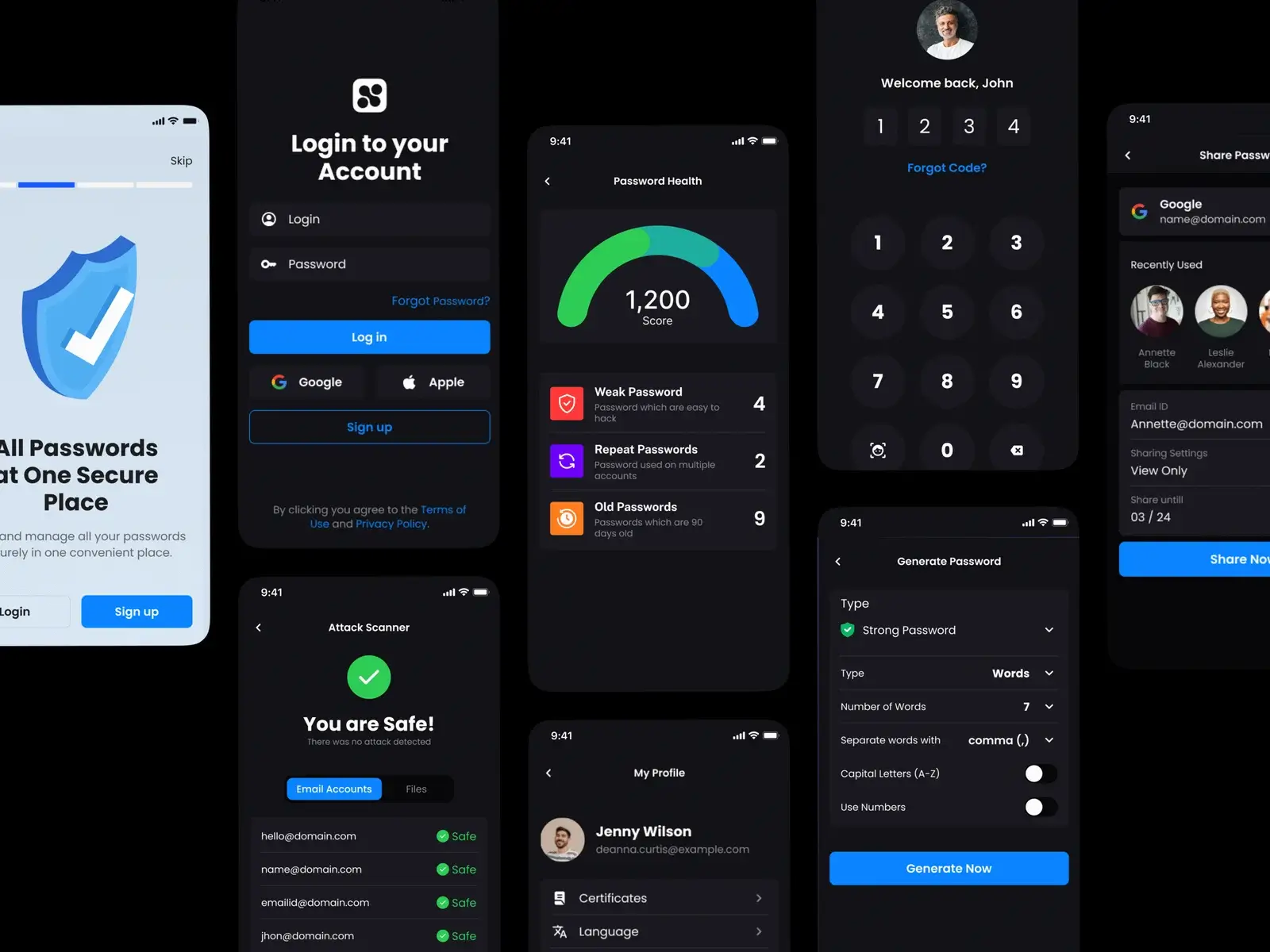
- Simplified key actions like add, update, and adjust stock
- Worked closely with product and engineering to align flows and data states
- Contributed to research, flows, and high-fidelity designs
What Process We Followed
Understanding the Problem
- Mapped key tasks: add stock, update quantities, check status
- Identified where users slow down or make mistakes
- Compared mobile vs web gaps in flows
Structuring the Solution
- Created one common model for actions and states
- Brought key actions to the front (add, update, adjust)
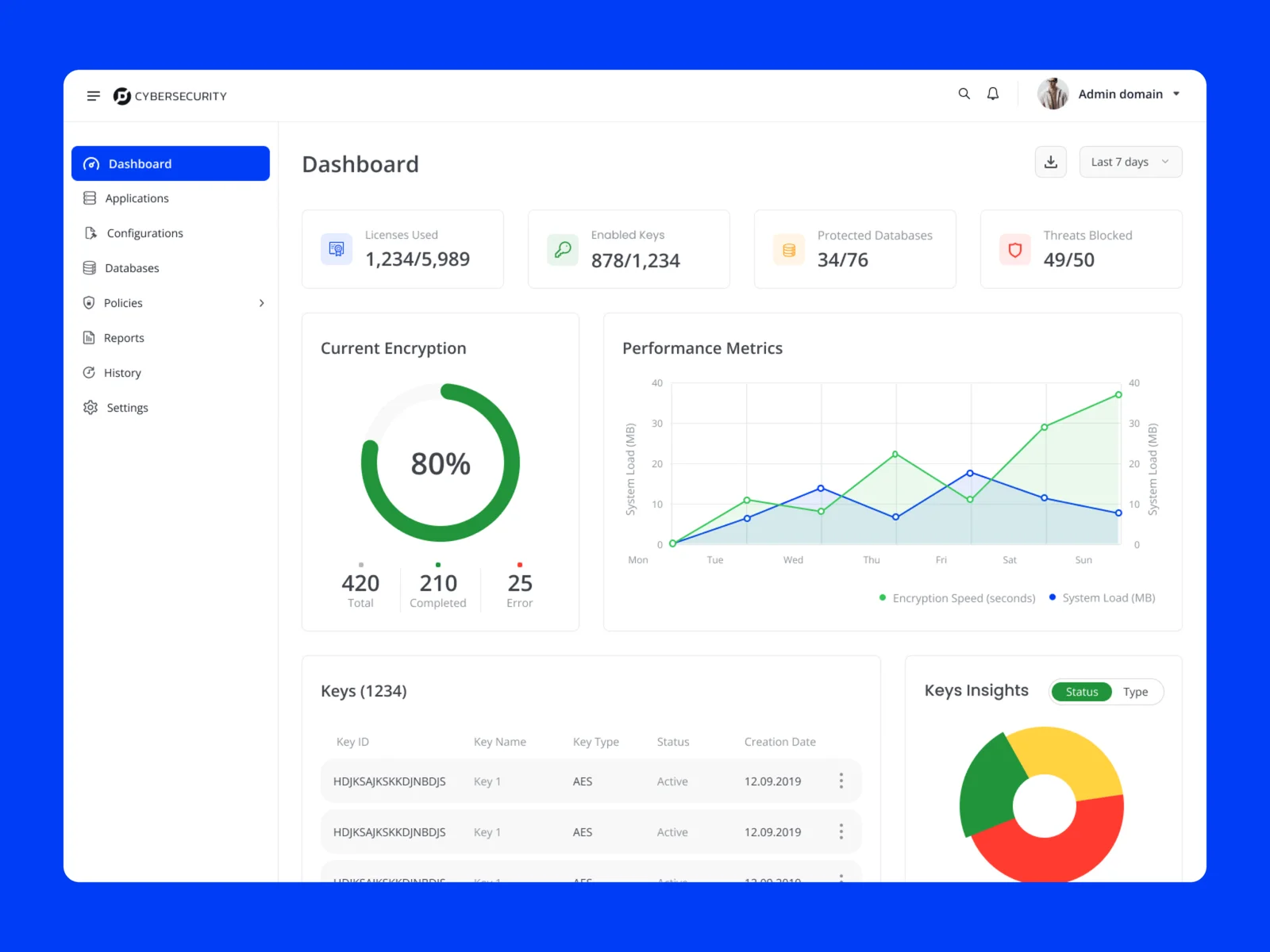
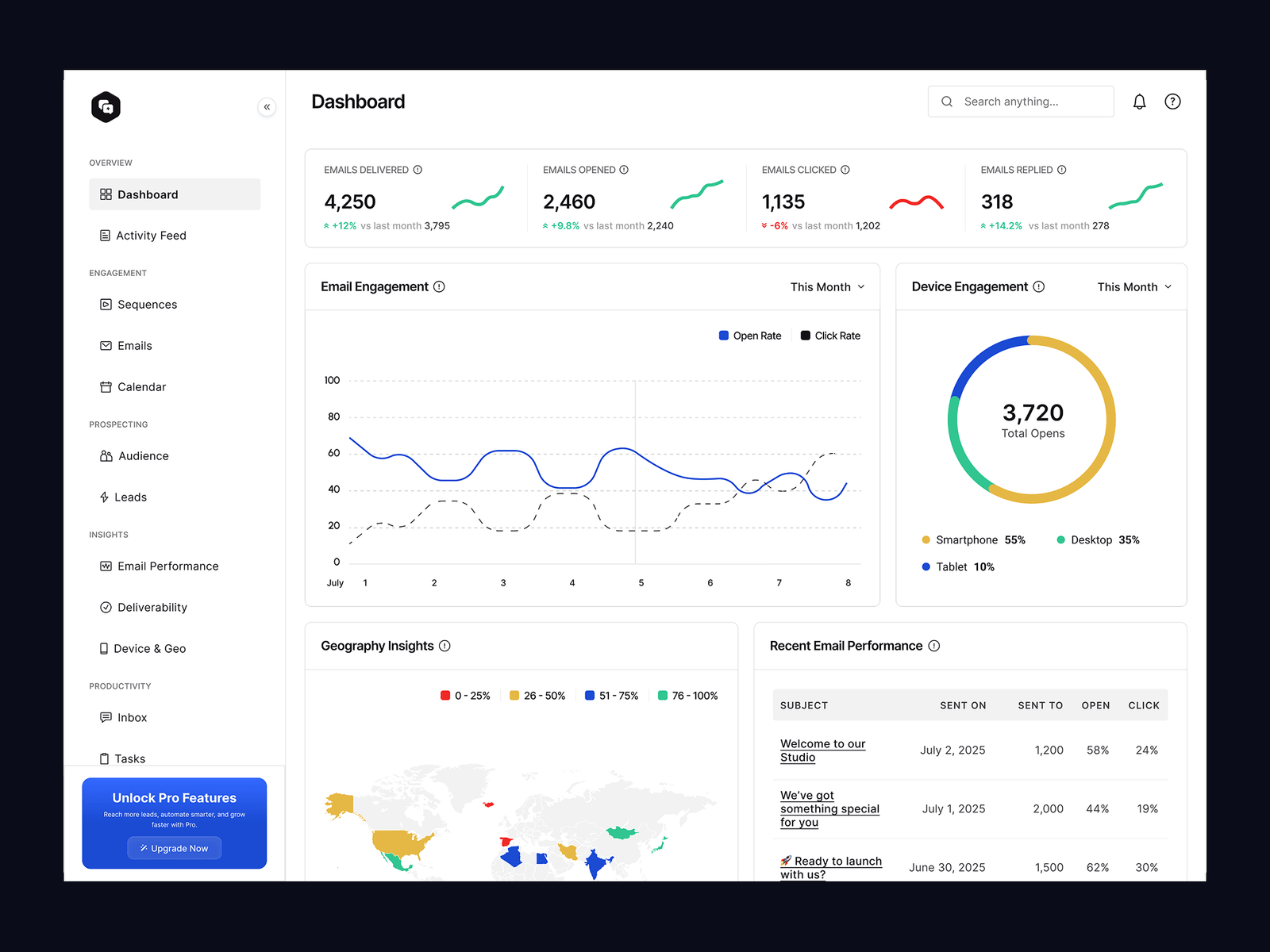
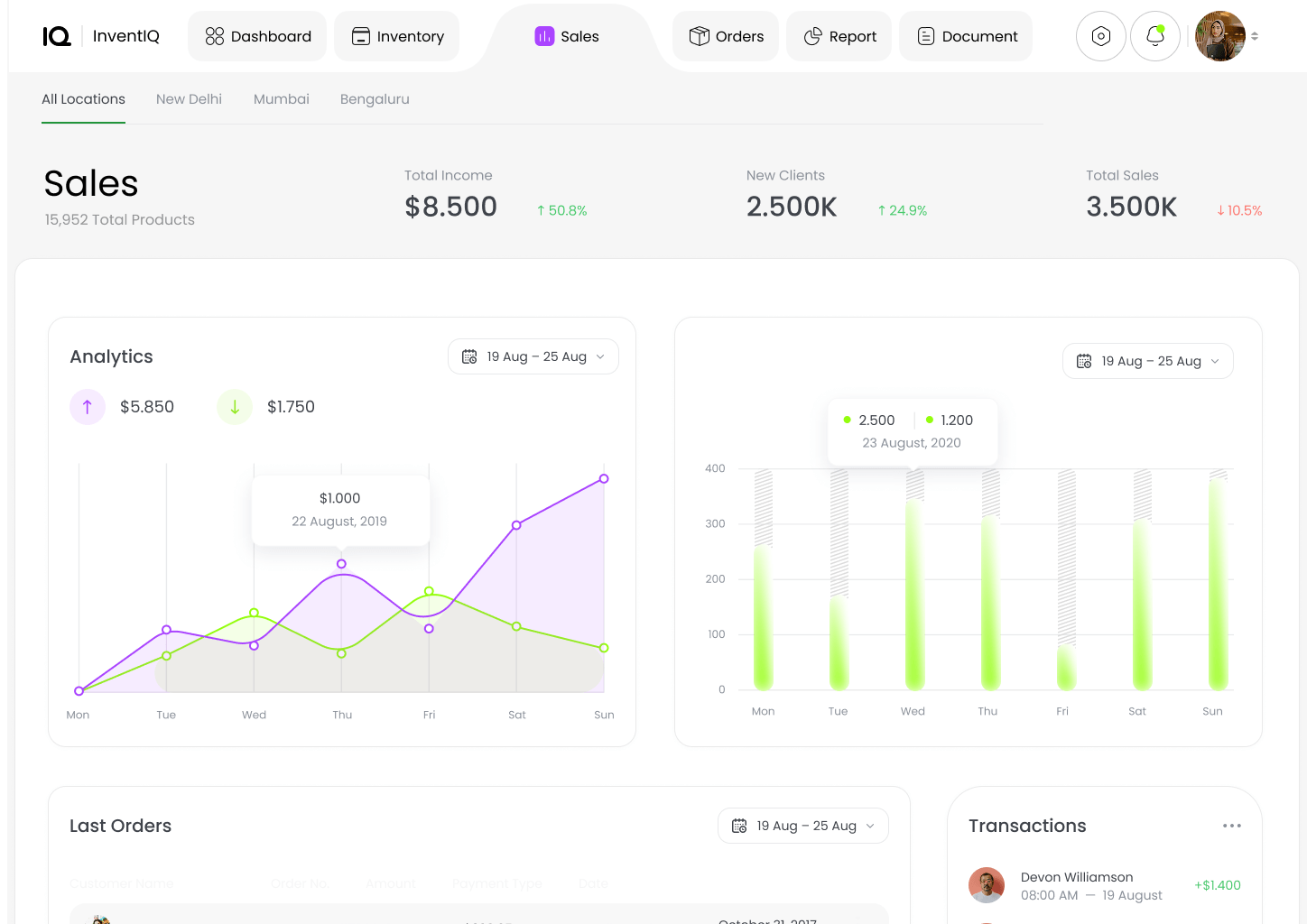
- Designed a clear stock overview with status indicators
Refining the Experience
- Reduced steps for frequent tasks
- Improved labels and feedback after actions
- Ensured the same logic works across mobile and web
Key Decisions and Trade-offs
- Chose consistency across devices over platform-specific patterns
- Reduced options on mobile to keep speed high
- Prioritized quick actions over deep navigation
- Standardized data states to avoid confusion
These decisions helped users learn once and act anywhere.
Collaboration
- Worked with product to define core tasks and priorities
- Partnered with engineering to align data states and APIs
- Used real user scenarios to validate flows and edge cases
Solution Overview
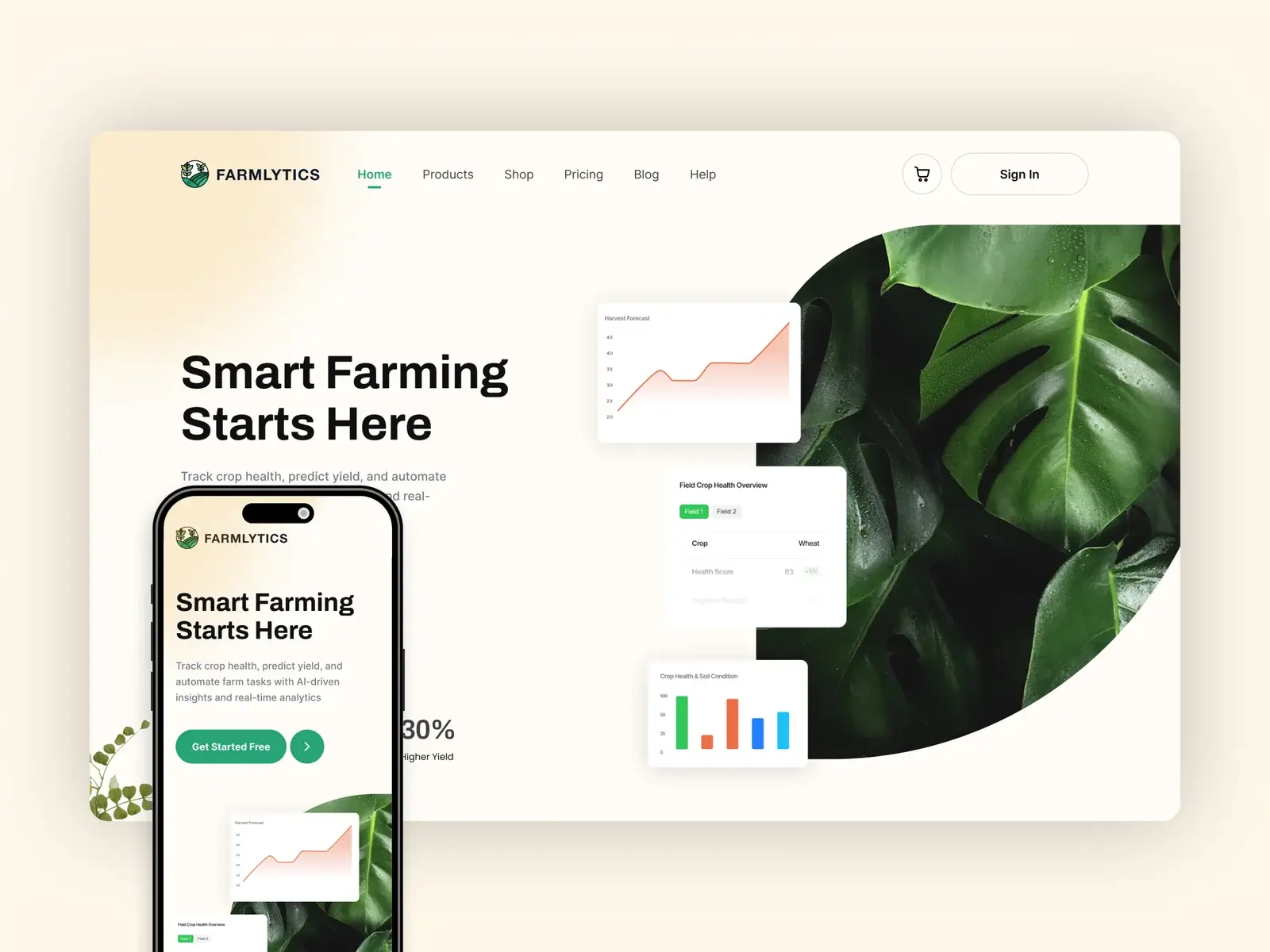
- Unified workflows across mobile and web
- Clear inventory overview with status and alerts
- Action-first screens for quick updates
- Consistent patterns for add, update, and adjust
- Visible feedback after every action
The experience now supports fast, confident decisions in daily operations.
Outcome
- Faster task completion for common actions
- Fewer errors during stock updates
- Better trust in inventory data
- Smoother switch between mobile and web
Reflections
- Consistency across devices reduces learning and errors
- Action-first design improves speed in operational tools
- Clear data states are key for decision-making
Key Takeaway
In operational tools, speed comes from clarity and consistency, not more features.