Making security easy to use while keeping users in control of their data
Context
This project focused on improving the experience of a password management system used to store, manage, and access sensitive credentials.
While the system provided strong security features, the experience felt complex and intimidating. Users were expected to trust the system with critical information, but the design did not support that trust.
The goal was to make the experience simple, clear, and reliable so users feel confident using it daily.
Target Audience and Personas
The system was used by different types of users with varying levels of understanding:
Everyday User (Primary User)
- Stores passwords for daily use
- Needs quick access and simplicity
- Struggles with remembering passwords and understanding security steps
Security-Conscious User
- Cares deeply about safety and control
- Wants visibility into how data is protected
- Gets frustrated when system feels unclear or hidden
Admin / IT User
- Manages access and policies for teams
- Needs reliability and control
- Struggles when system behavior is not predictable
Key Tension
- Security vs simplicity
- Control vs ease of use
- Visibility vs minimal interface
All users needed one core thing:
To trust the system without needing to think too much.
The Challenge
The existing experience created friction in everyday usage:
- Users did not understand how their data was protected
- Key actions like saving, retrieving, or updating passwords felt unclear
- Too many steps for simple tasks
- Lack of feedback after actions created uncertainty
This resulted in:
- Low trust in the system
- Users avoiding advanced features
- Hesitation in storing sensitive information
The core problem was not lack of features.
It was lack of clarity and trust.
My Contribution
- Took ownership of improving the password management experience
- Defined a clearer and simpler approach to core user flows
- Worked closely with product and engineering to balance security with usability
- Contributed to research, interaction flows, and high-fidelity designs
- Focused on making the system feel predictable and trustworthy
What Process We Followed
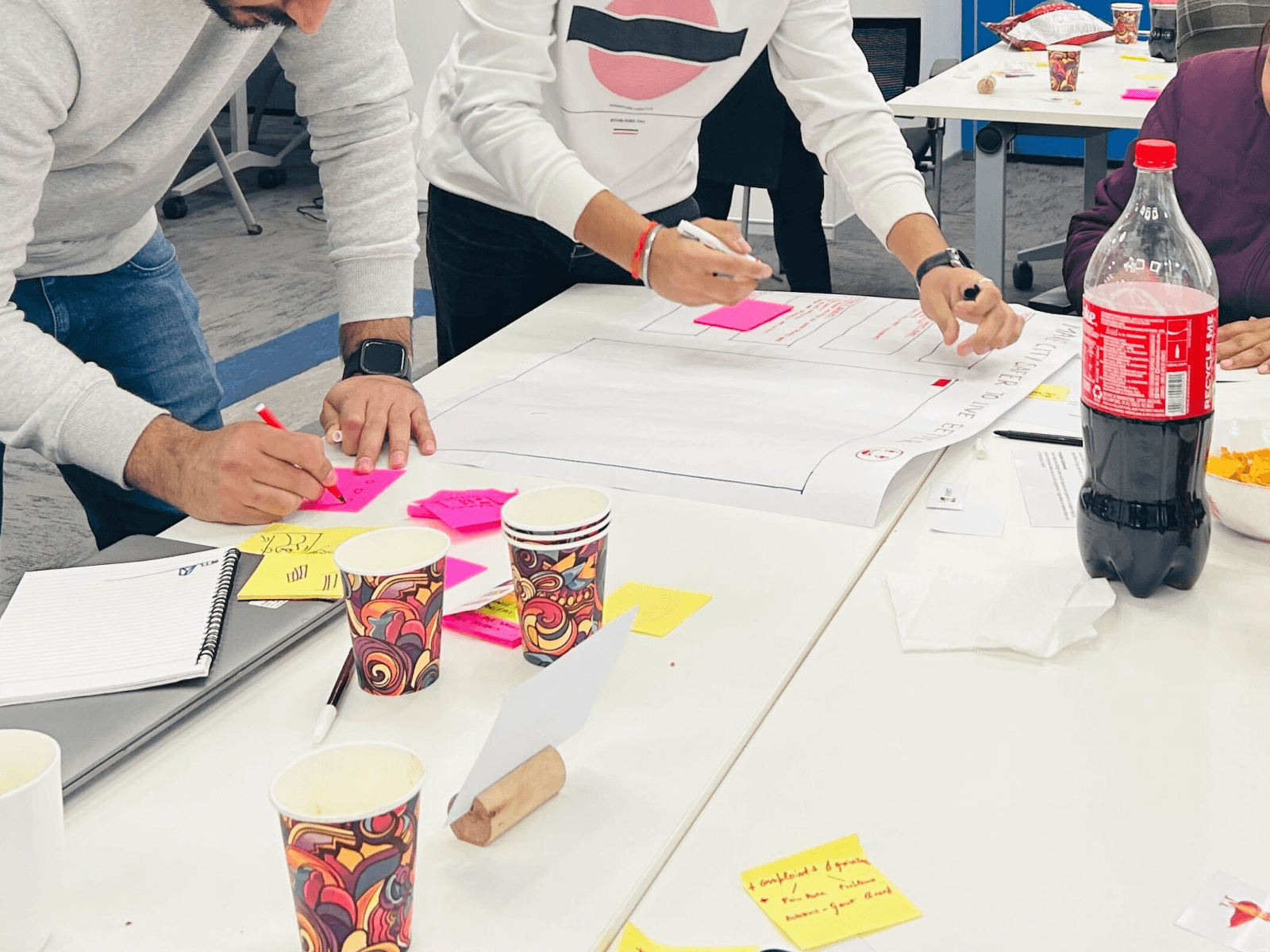
Step 1: Understand user behavior
- Studied how users store, retrieve, and manage passwords
- Identified where users feel confused or anxious
- Observed hesitation points in sensitive actions
Step 2: Simplify core flows
- Reduced steps for common actions like saving and accessing passwords
- Made flows more direct and easier to follow
- Removed unnecessary complexity
Step 3: Improve system feedback
- Added clear confirmations for actions
- Made system responses more visible and understandable
- Ensured users always know what just happened
Step 4: Build trust through visibility
- Made security states more visible
- Simplified explanations of what the system is doing
- Reduced hidden behavior that creates doubt
Step 5: Standardize experience
- Created consistent patterns across all flows
- Reduced variation in interactions
- Made the system easier to learn and use over time
Key Decisions and Trade-offs
- Simplified user flows instead of exposing all system capabilities
- Reduced visible complexity to avoid overwhelming users
- Prioritized clarity over advanced controls in primary views
- Balanced security transparency with simplicity
These decisions ensured users feel safe without being confused.

Collaboration
- Worked with product managers to align user needs with business goals
- Collaborated with engineering to maintain strong security standards
- Used user feedback to guide improvements
Alignment was built around one shared goal:
Make security usable.
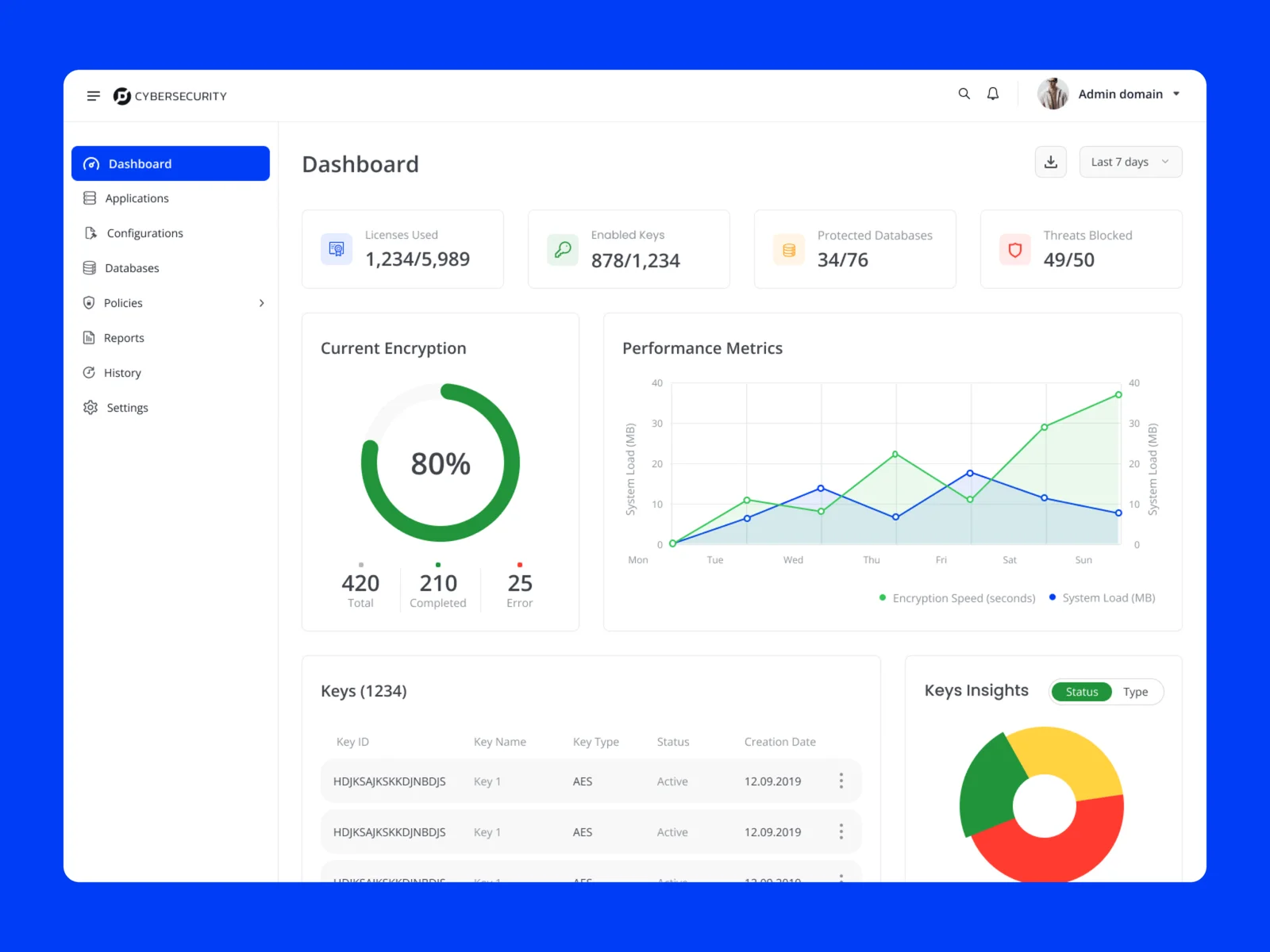
Solution Overview
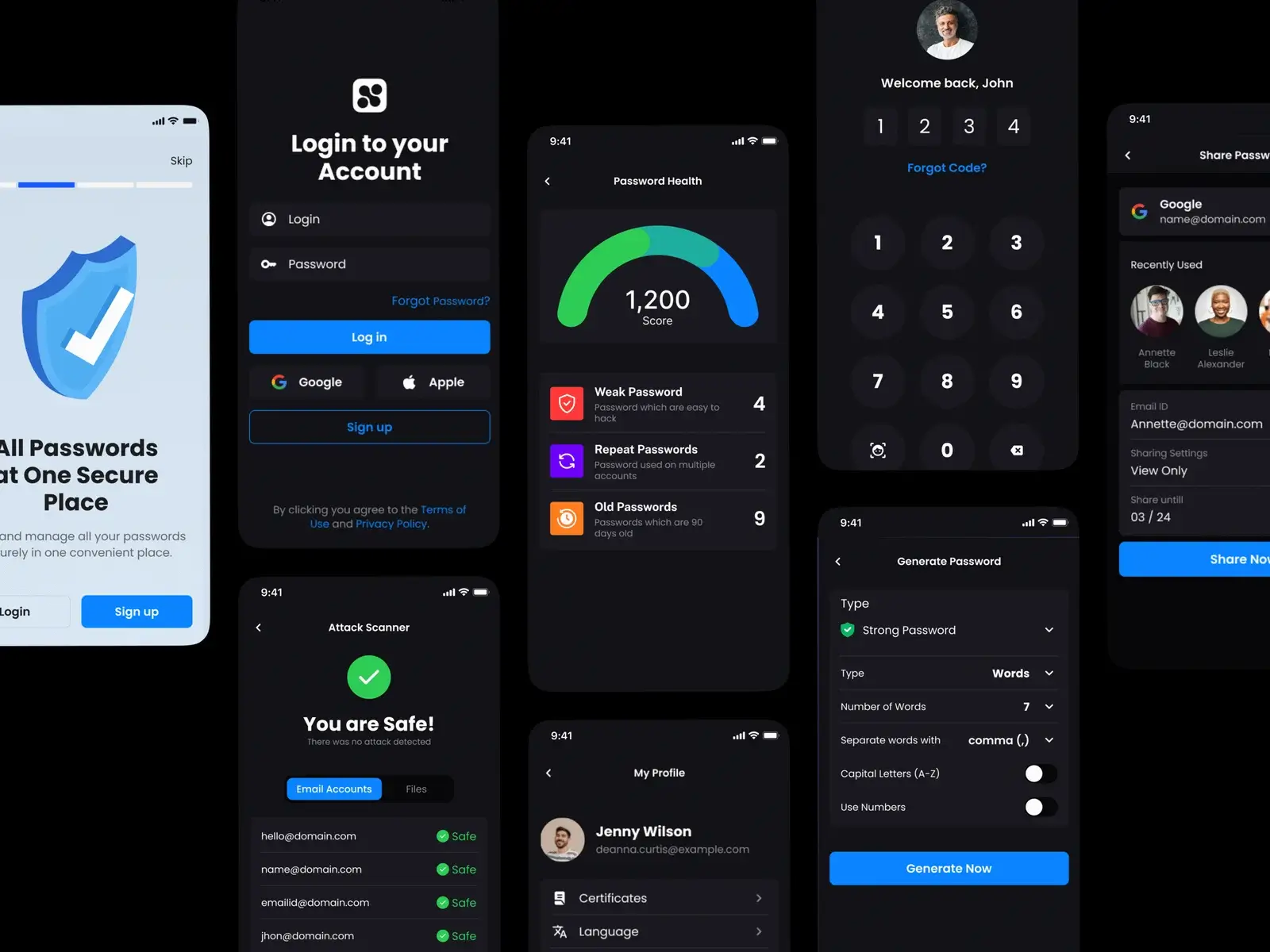
The improved experience focused on simplicity and trust:
- Clear and direct flows for storing and accessing passwords
- Strong visual feedback for every action
- Visible system status to reduce uncertainty
- Consistent interaction patterns across the product
- Reduced cognitive load across all tasks
The system now feels predictable and easy to use, even for non-technical users.

Outcome
- Increased user confidence in storing sensitive data
- Reduced hesitation during key actions
- Improved understanding of system behavior
- Better adoption of core features
Reflections
- Trust is built through clarity, not just security strength
- Users need to understand what is happening, not just assume it
- Simplicity is critical in sensitive systems
Key Takeaway
Users do not trust systems that feel unclear.
Making security understandable is what makes it usable.